printf '%(%FT%T)T\n' 1606752450
无需perl, awk, 或 /usr/bin/date,bash内置"printf"函数就能搞定。
输出
2020-11-30T11:07:30
printf '%(%FT%T)T\n' 1606752450
无需perl, awk, 或 /usr/bin/date,bash内置"printf"函数就能搞定。
输出
2020-11-30T11:07:30
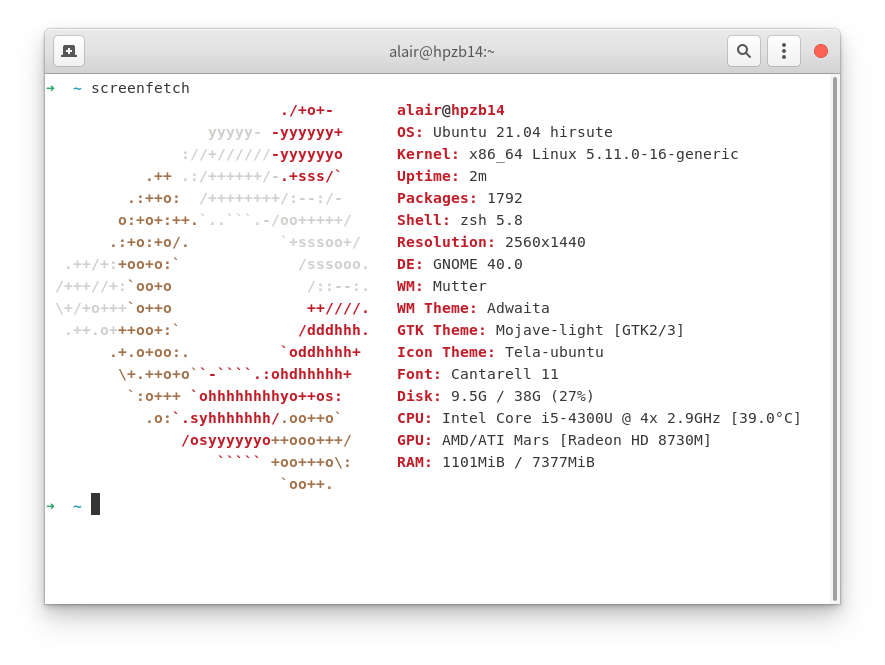
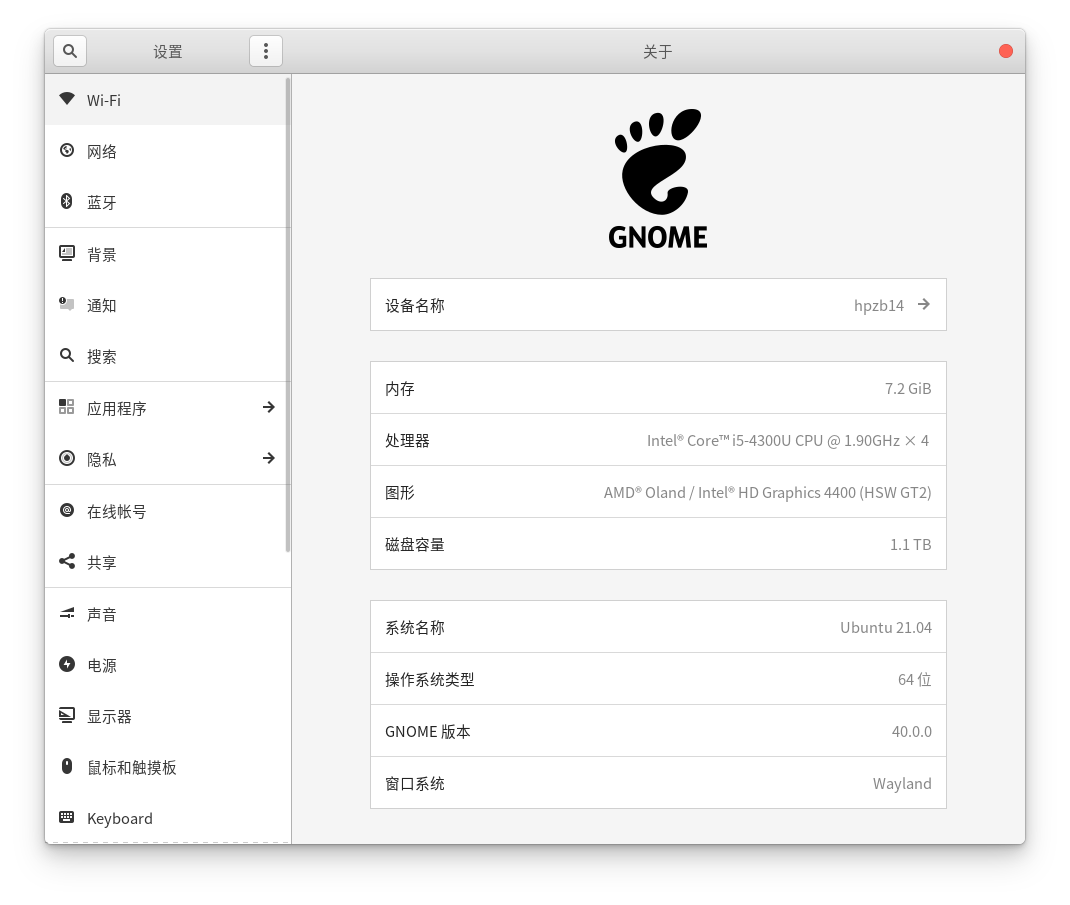
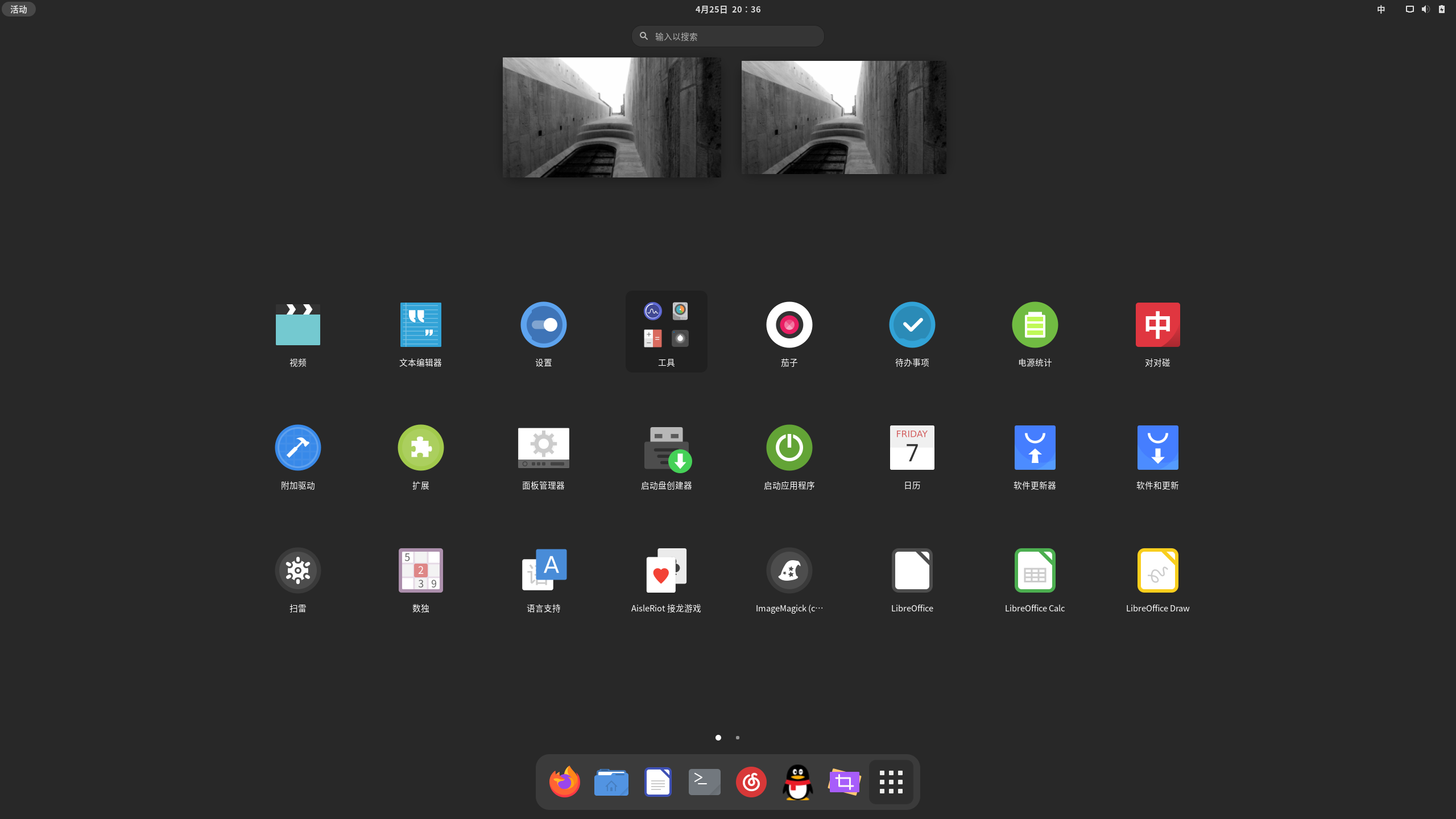
ubuntu21.04可以通过PPA源的方法安装gnome40,方法如下:
sudo add-apt-repository ppa:shemgp/gnome-40  #添加PPA源
sudo apt install mutter gnome-shell
sudo apt upgrade
安装完成后重启系统,在会话选择中选择GNOME即可进入。
v2rayA是一款Project V的Linux Web GUI客户端,支持V2Ray,Xray,SS,SSR,Trojan和Pingtunnel
安装v2rayA之前需要先安装v2ray,命令如下:
➜  ~ curl -O https://raw.githubusercontent.com/v2fly/fhs-install-v2ray/master/install-release.sh #下载安装脚本
➜  ~ bash ./install-release.sh  #运行安装脚本
➜  ~ sudo systemctl enable v2ray #开启v2ray service
Created symlink /etc/systemd/system/multi-user.target.wants/v2ray.service → /etc/systemd/system/v2ray.service.
➜  ~ sudo systemctl start v2ray 运行v2ray service
ubuntu下可以使用添加sources.list源来安装v2rayA